Makin some pictures
python3 -m pip install ascii_py
git clone https://github.com/profoak/ascii_py
cd ascii_py
python3 setup.py install
usage: ascii_py [-h] [-o OUT] [-w WORDS] [-s STEP] [-d] [-t] input_file

positional arguments:
  input_file            Input file to convert from.

optional arguments:
  -h, --help            show this help message and exit
  -o OUT, --out OUT     The filename you want your final image saved as.
  -w WORDS, --words WORDS
                        Use words to create your image.
  -s STEP, --step STEP  Choose the distance of your characters.
  -d, --density         Adding the flag converts the image based on visual density.
  -t, --terminal        Print ascii image to terminal.
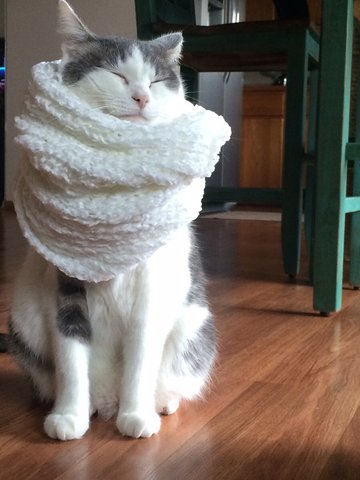
Original image:
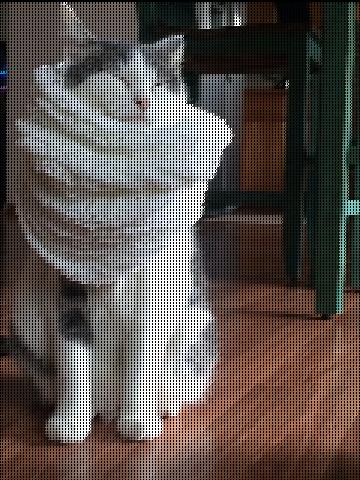
Default usage:
Density flag:
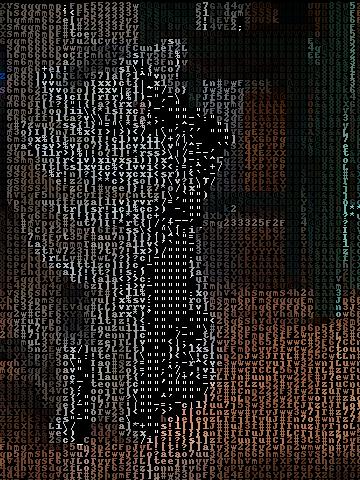
Terminal flag (screenshot):
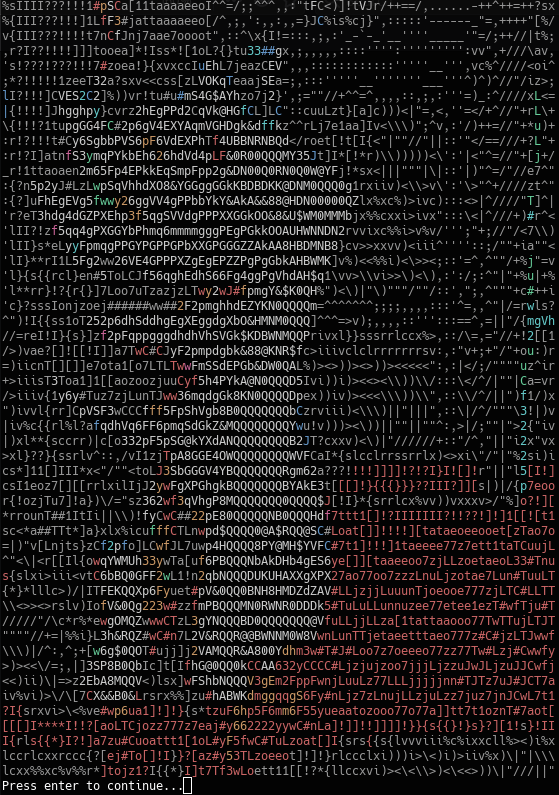
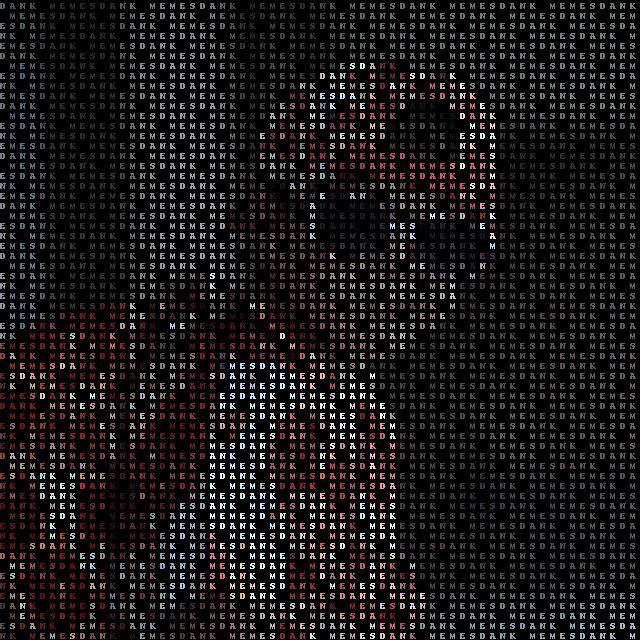
$ ascii_py -s 10 -w "dank memes" -o ayy_lmao_pizza.jpg Media/pizza_in.jpg